GranaZen AI is now on the web too! 🤖
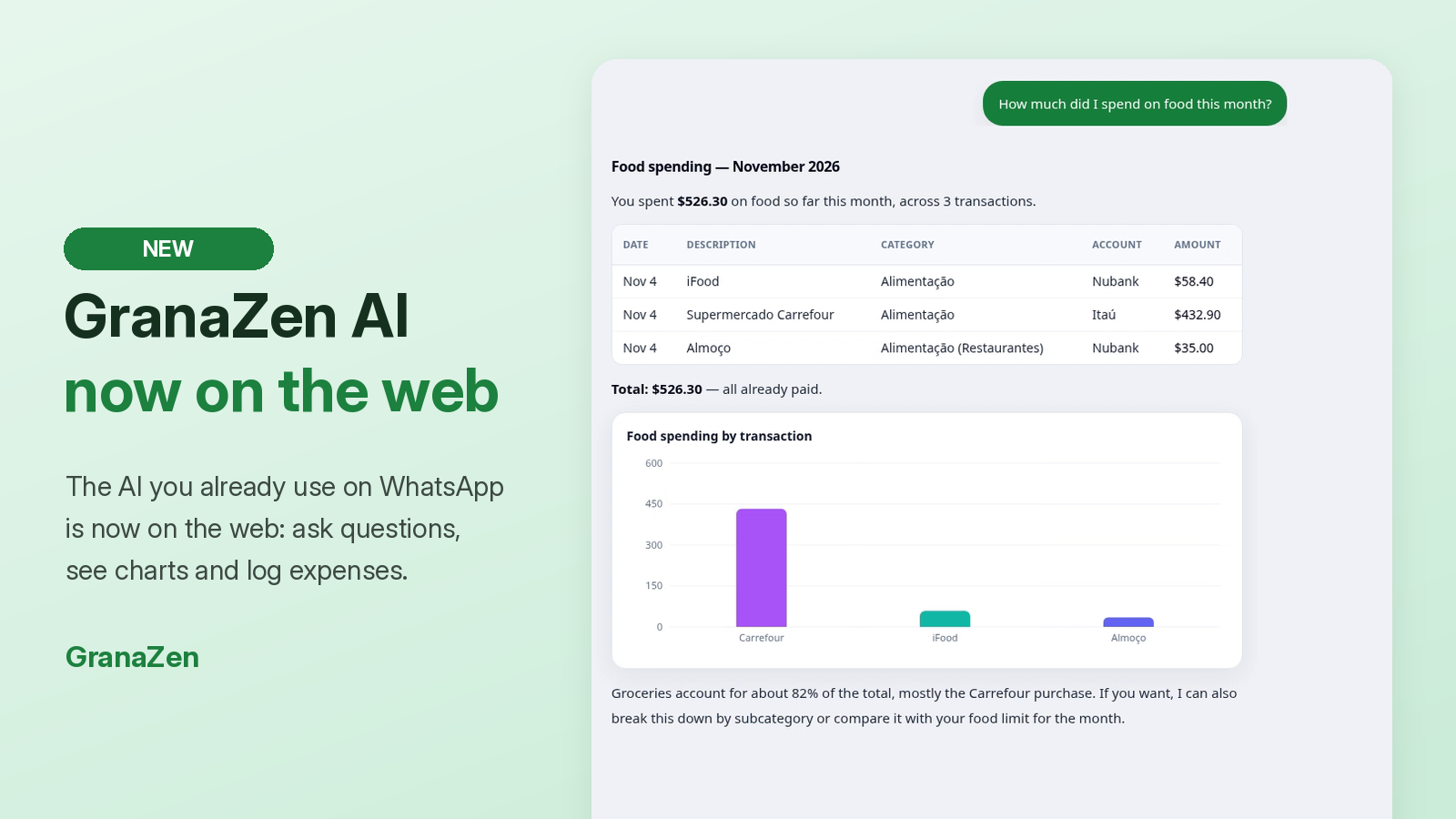
You know the AI you already use on WhatsApp to log expenses and ask questions about your money? It’s now on the GranaZen web app too, in the new AI Chat.
What you get
Answers about your spending with tables and charts, on the big screen
Your account balances in seconds, no digging around
Log transactions just by typing, the same way you do on WhatsApp
How to use it
On your dashboard, click AI Chat in the top menu.
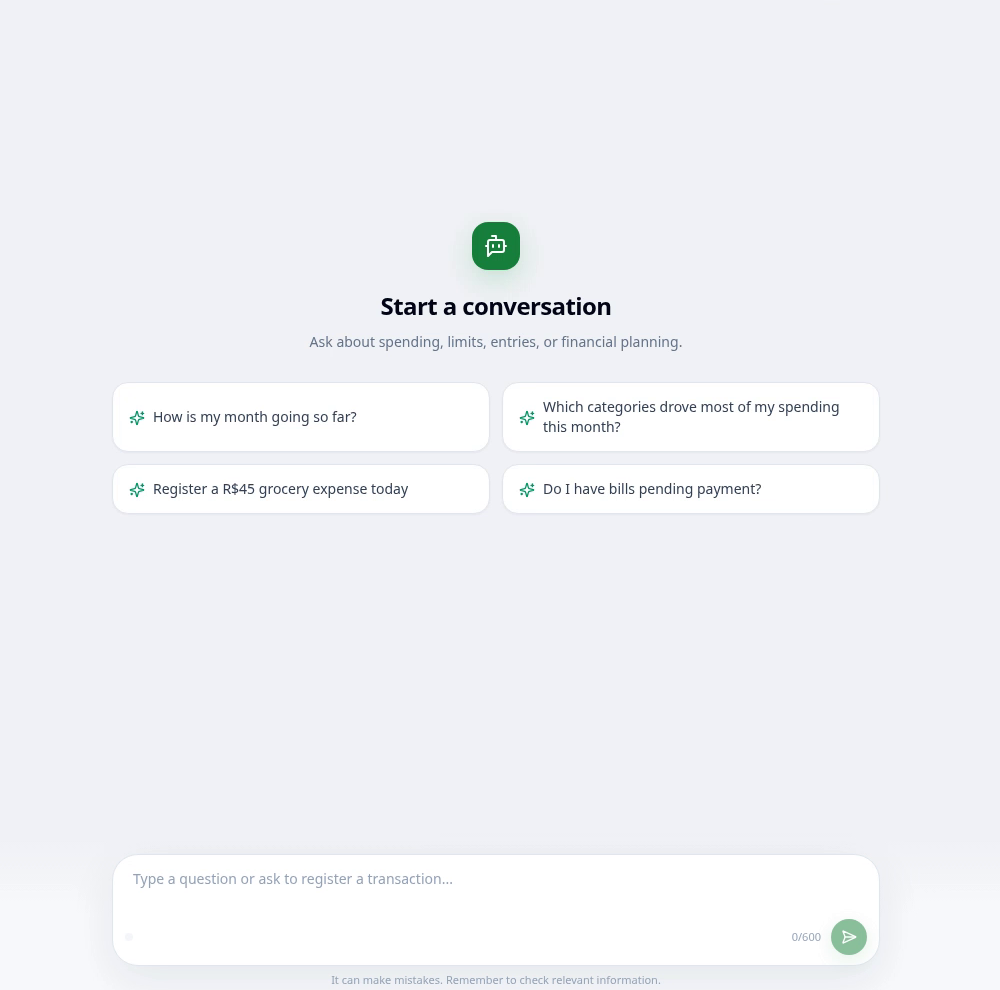
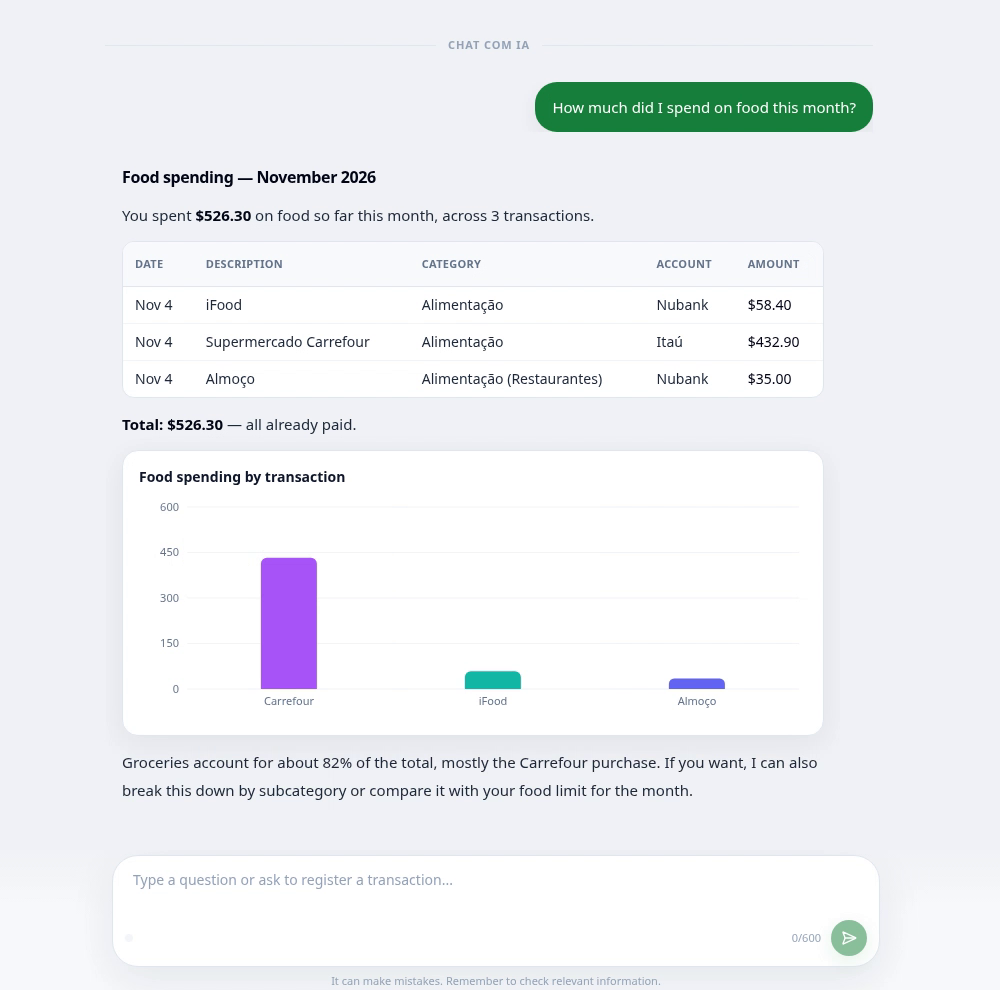
Type your question or pick one of the suggestions. For example: “How much did I spend on food this month?”
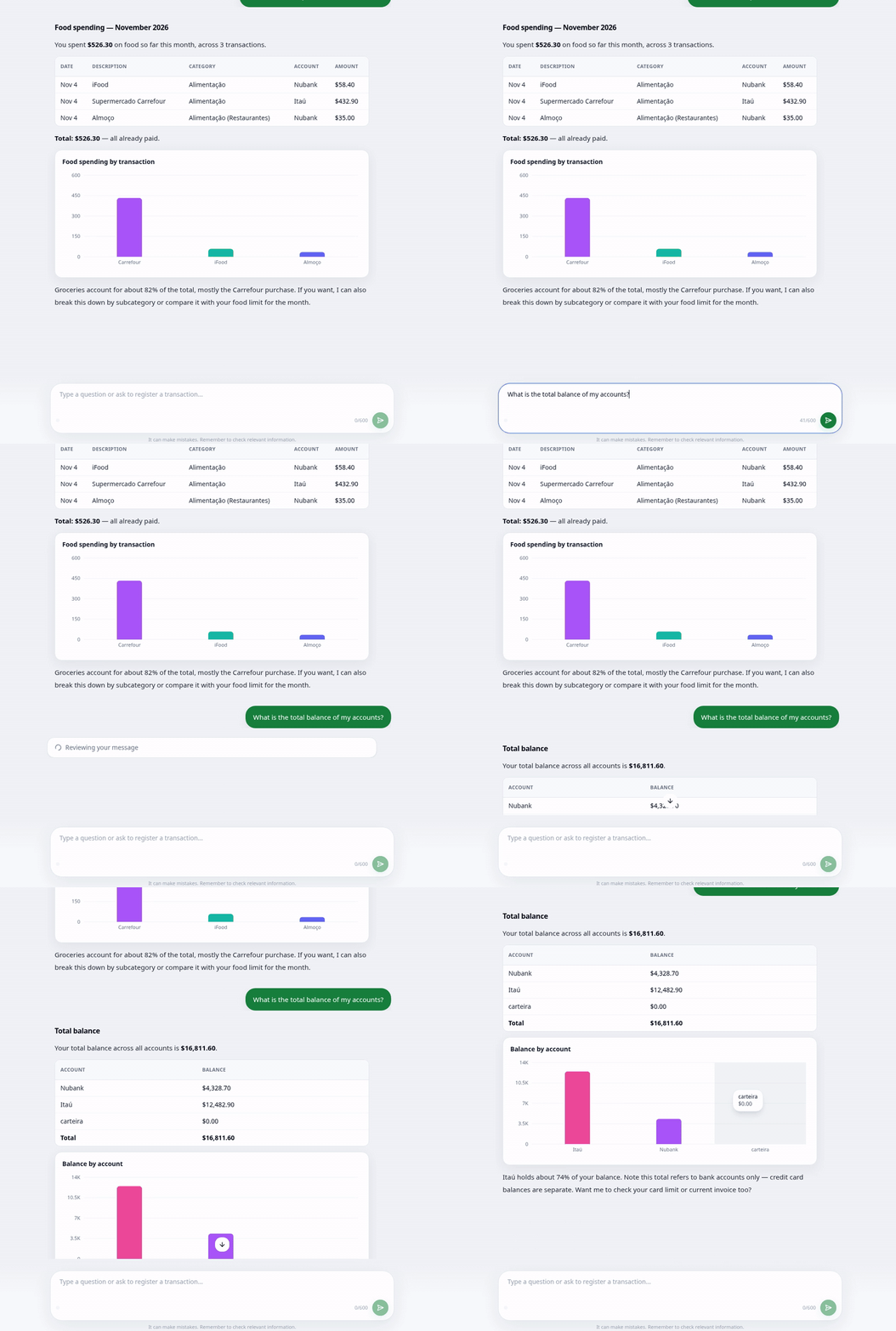
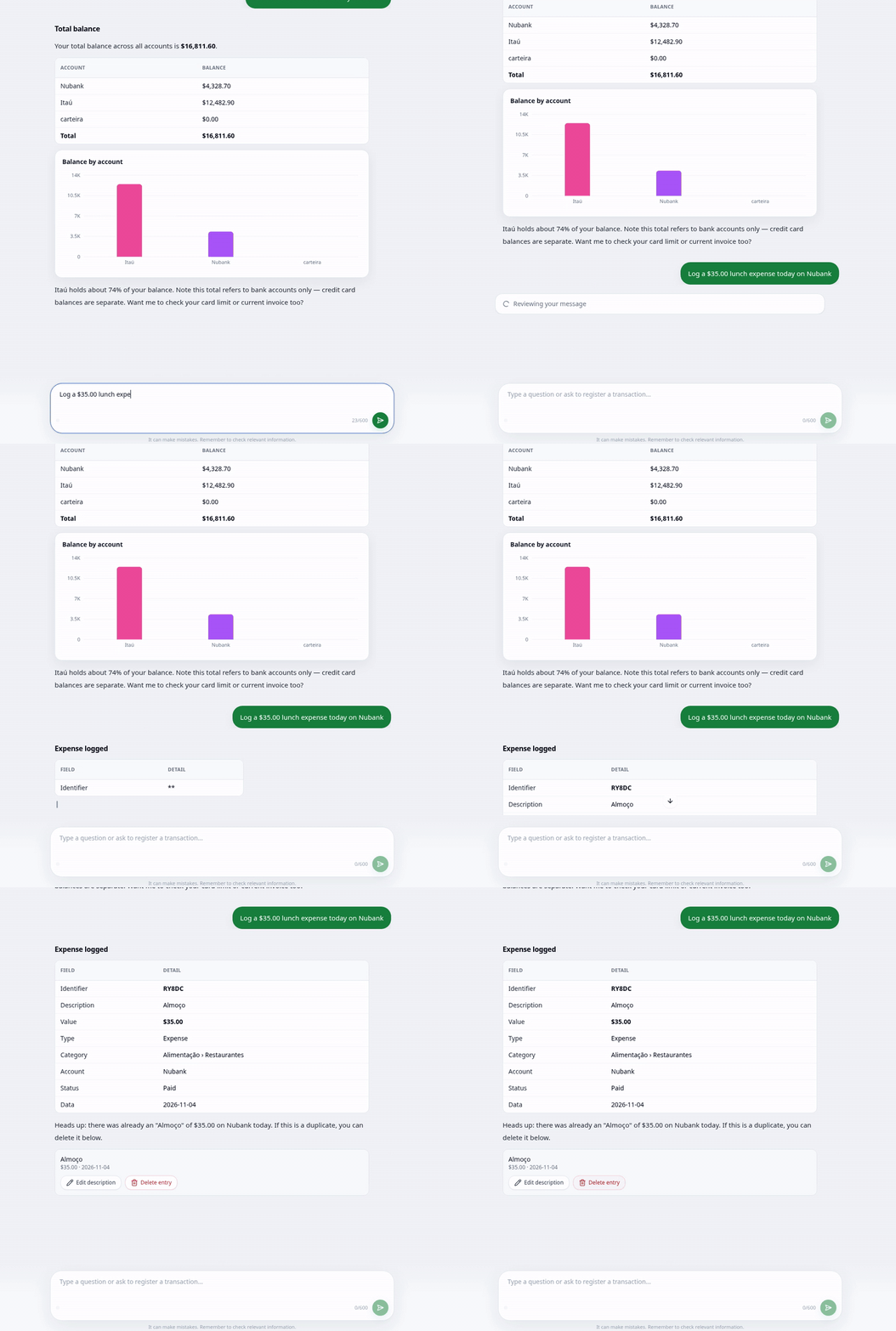
Want to know how much you have? Ask “What is the total balance of my accounts?” and see the total plus a chart by account.
To log an expense, just type it, for example: “Log a $35.00 lunch expense today on Nubank”. The transaction is created instantly, and you can edit or delete it right there.
Try it now: open AI Chat and ask your first question! 💚