Limits evolved. Now it's Planning
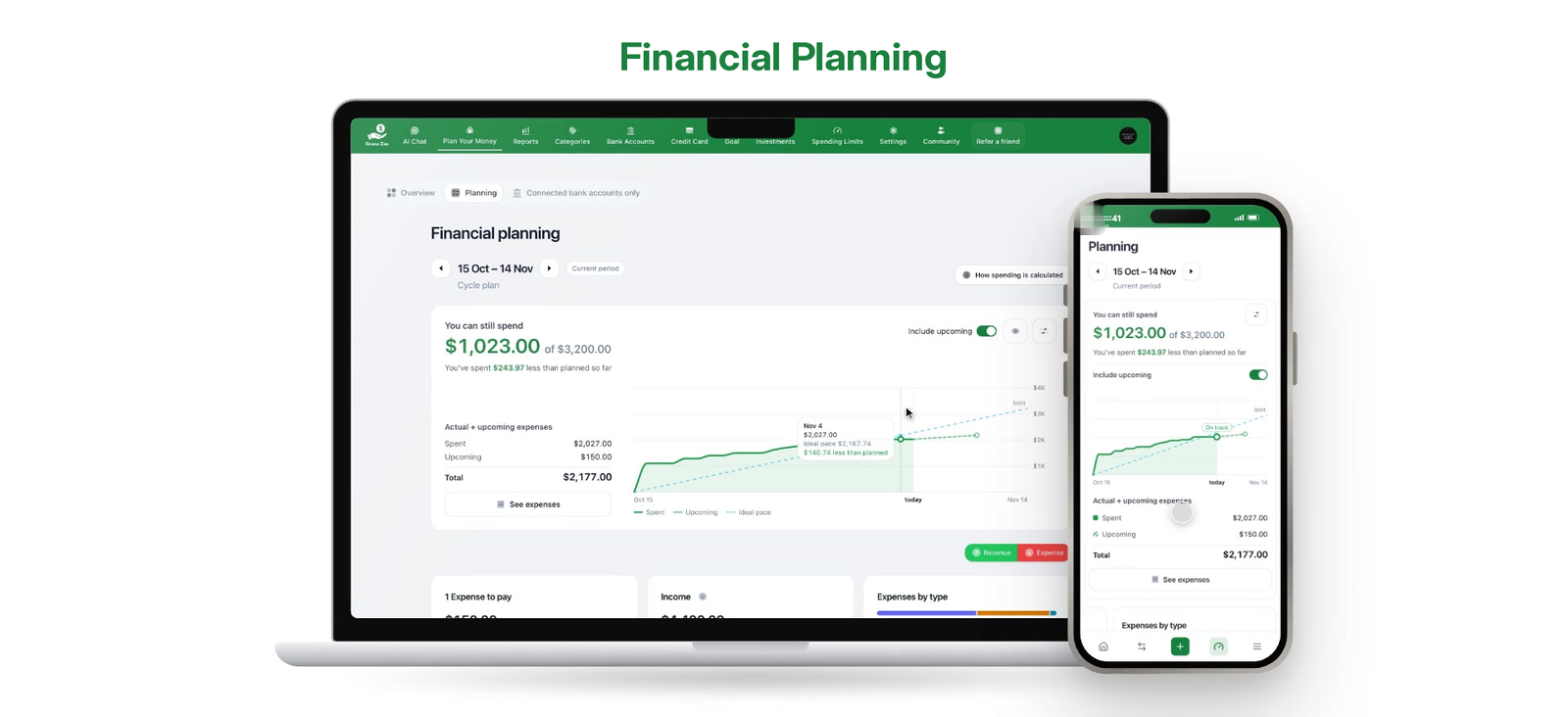
Setting a limit and only finding out at the end of the month that you blew it doesn’t help much. Especially when your paycheck lands on the 15th and the app’s “month” runs from the 1st to the 30th.
That’s why Spending Limits became Planning. Now you count your month your way, see how much you can still spend and track your pace day by day.
▶️ Watch the video and see Planning in action.
What you get
A cycle that starts on your payday, or on the calendar month if you prefer
How much you can still spend, always at the top of the screen
A chart with what you’ve spent and the ideal pace, day by day
The option to include upcoming bills in the calculation
A summary of the period and a plan for each category
How to use it
1. Choose your cycle
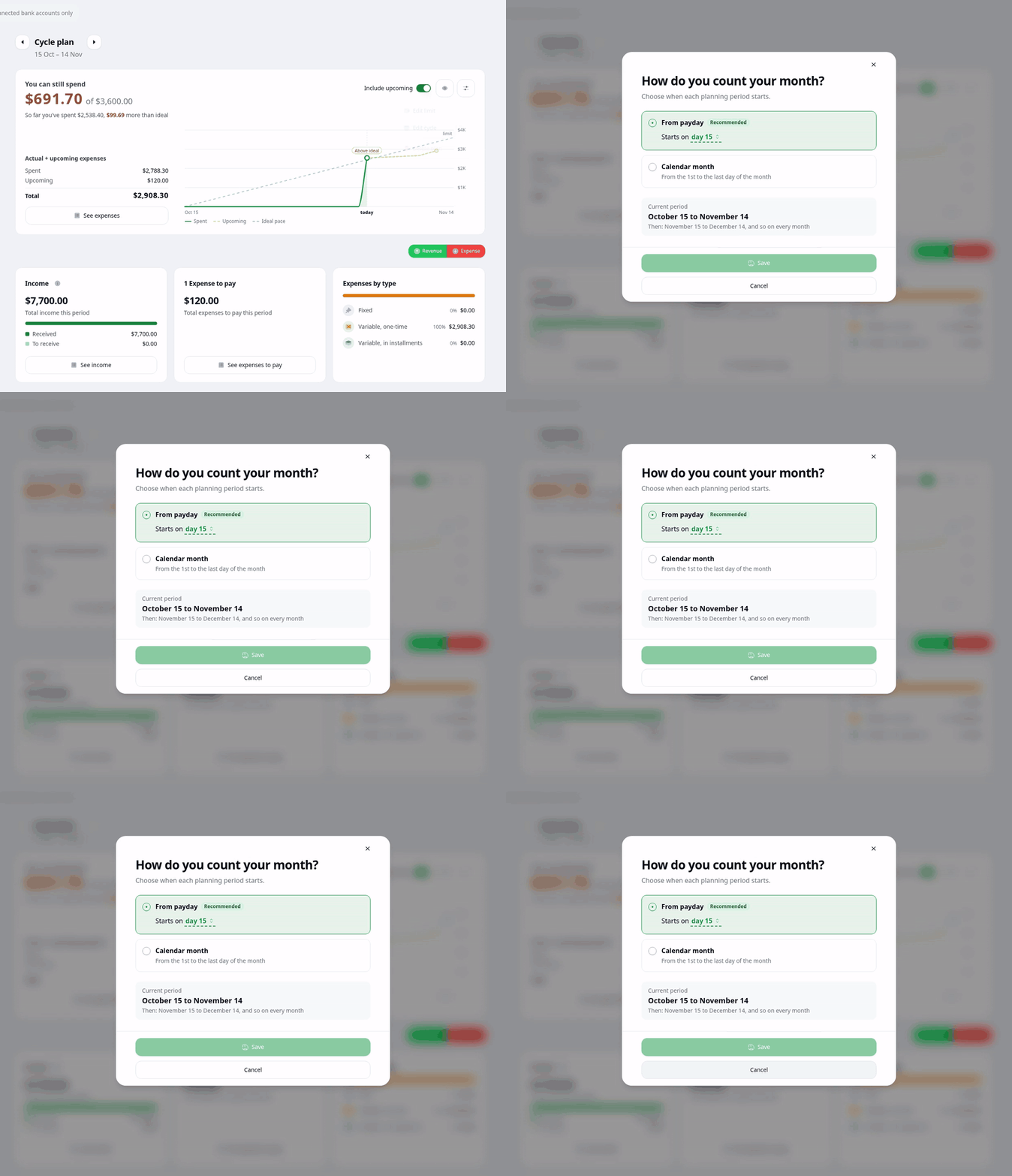
In the cycle settings, answer “How do you count your month?”: From payday (Recommended), for example on the 15th, or Calendar month.
2. Track your cycle limit
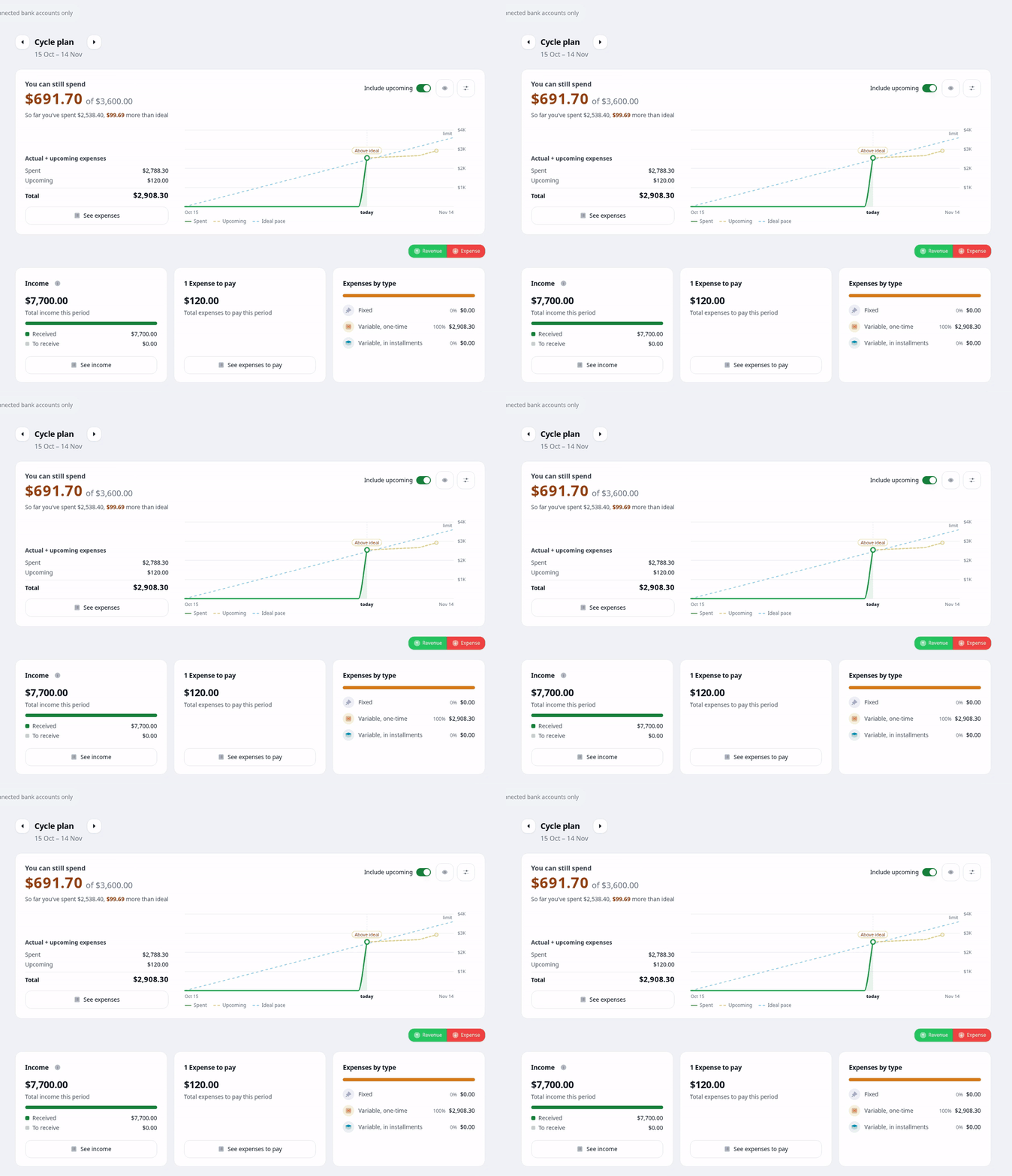
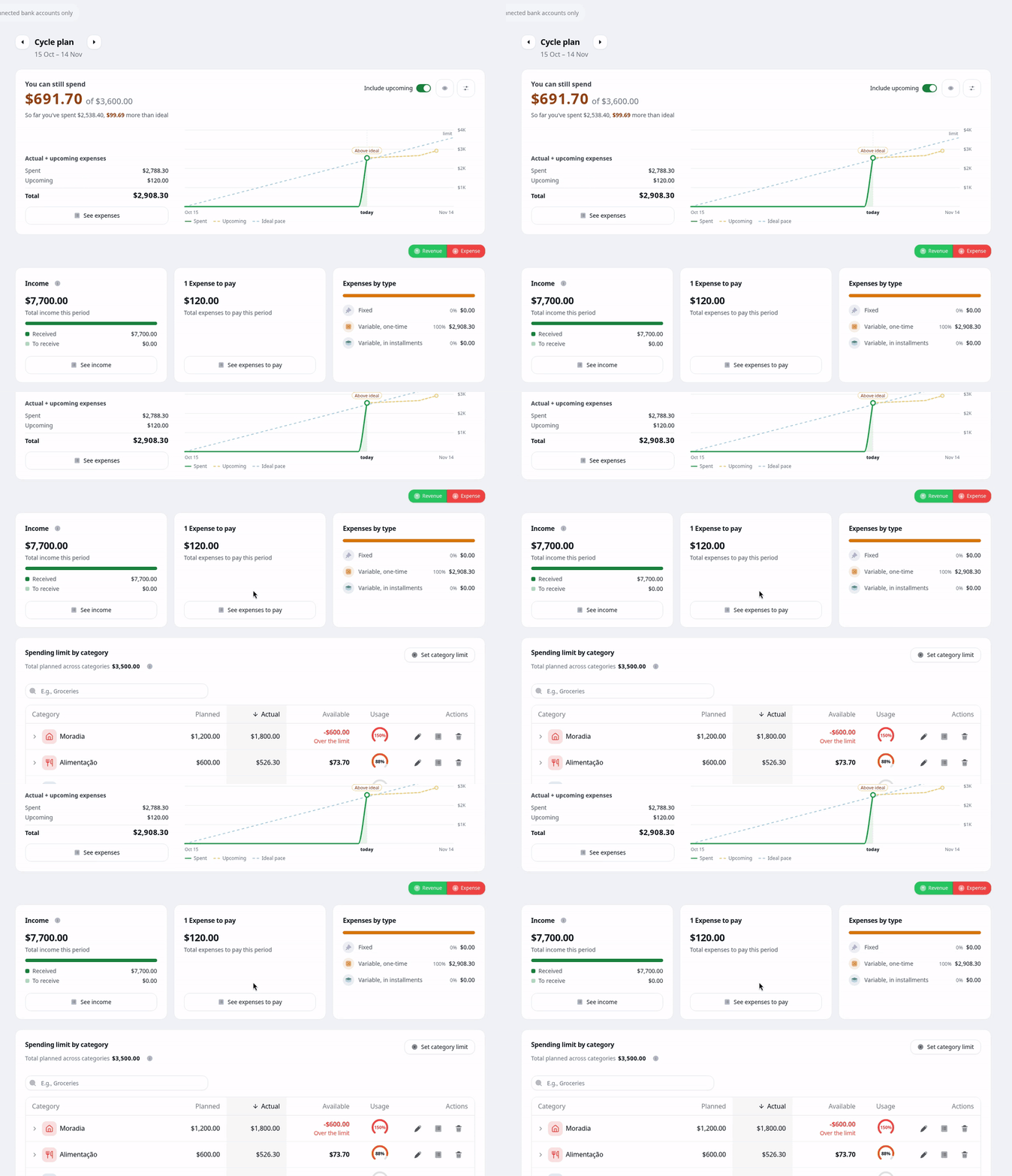
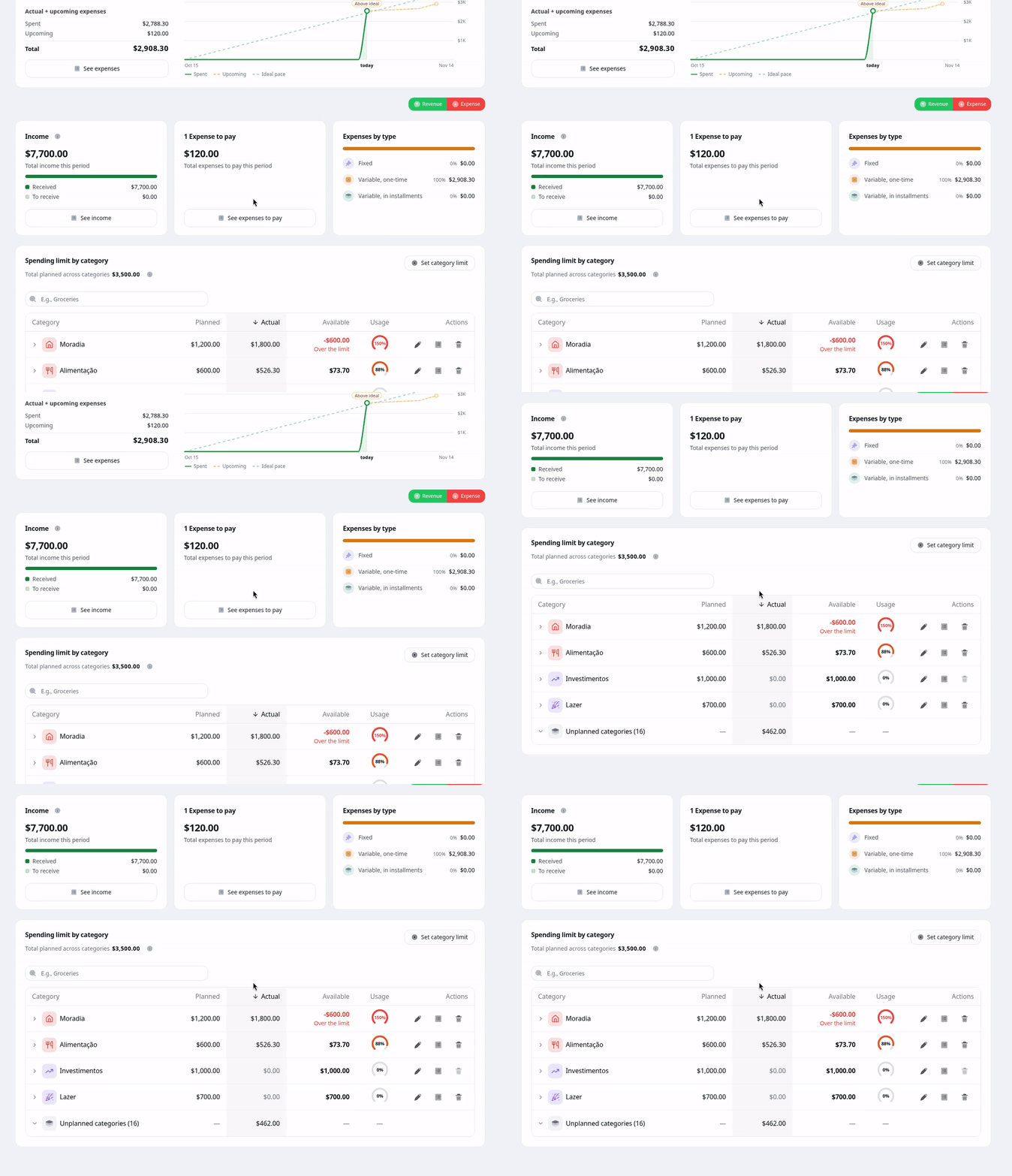
At the top you’ll see how much you can still spend, for example “You can still spend $691.70 of $3,600.00”. The chart shows what you’ve spent and the ideal pace, day by day.
3. Include upcoming expenses
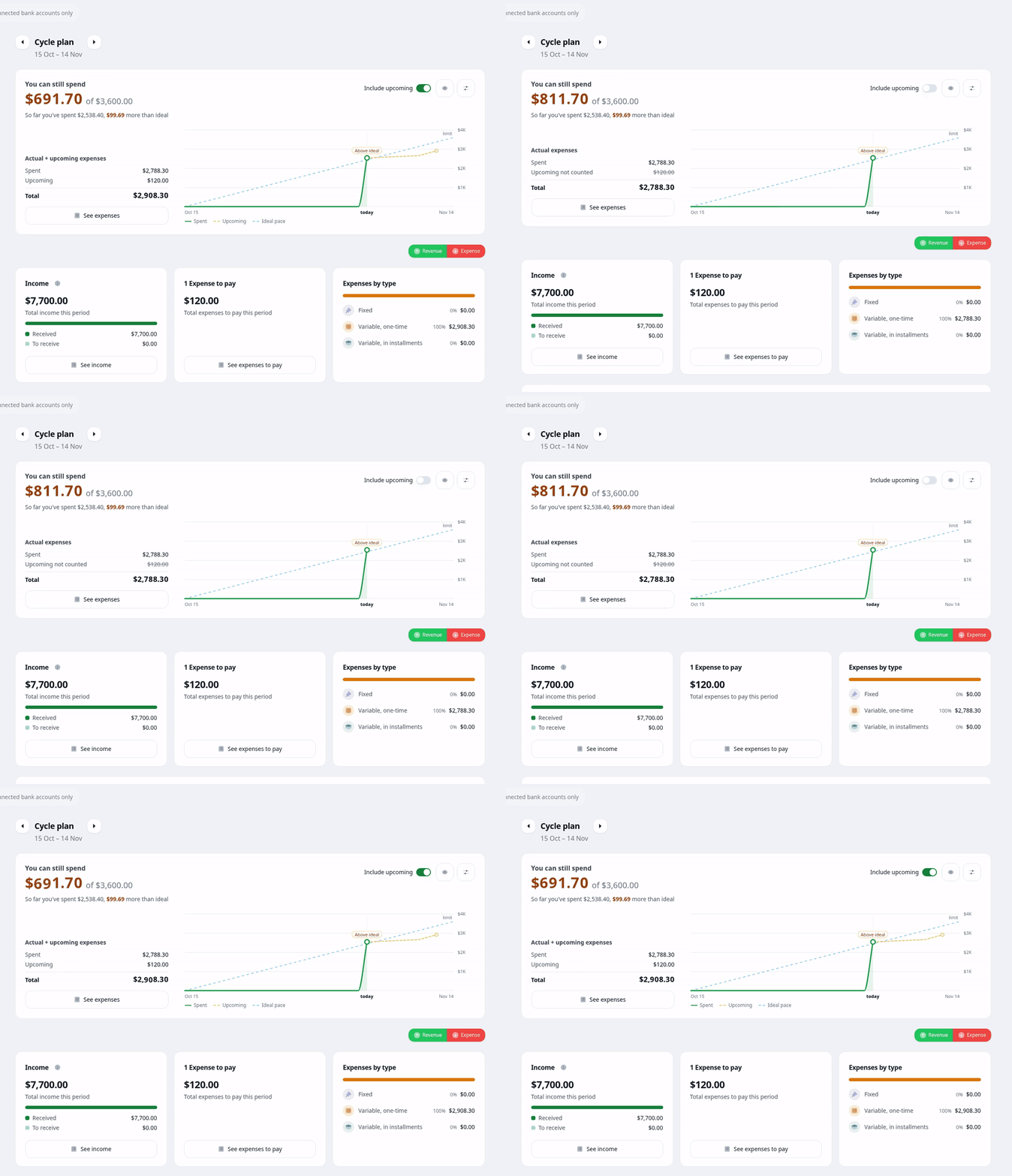
Turn on Include upcoming so unpaid bills due this period count too. That way you see what’s really left.
4. Check the period summary
See your income (received and still to come), expenses to pay, and expenses by type: fixed, one-time and installments.
5. Plan by category
For each category, compare the Planned, Actual, Available and Usage columns.
Plan your finances and stay zen. 💚